Combining wide, edge-to-edge layouts, with text that requires a small left-right padding, creates some design conflicts that are difficult to address in WordPress.
This is the technique I’m trying out.
Here’s the problem:
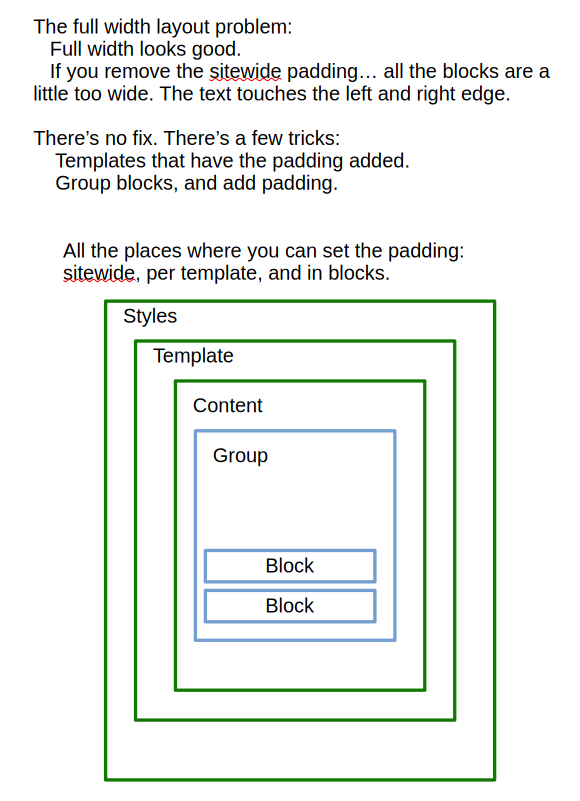
The trick is to get rid of sitewide padding (which is set by default), and then create templates for posts and pages that include padding. Make duplicate templates for Pages and Posts.
The default templates have 0.5 rem padding added to the left and right.
The “Without Padding” templates have no padding set.
When you choose “Pages Without Padding” or “Single Posts Without Padding”, you must add your own padding to text blocks (Paragraph, Headings, etc.)
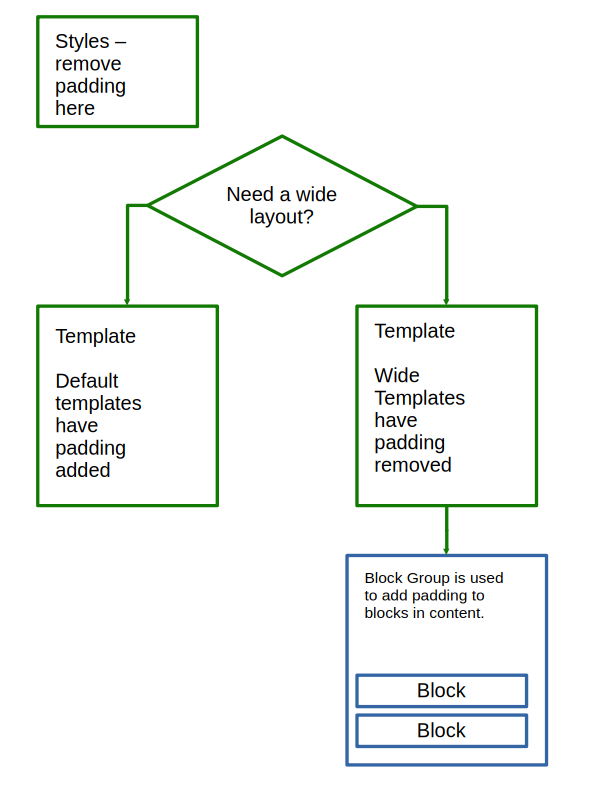
The easy way to add padding is to use the Group feature to group up text blocks, and add the padding to the Group.